
AL Habib Biometric Verification App is introduced to make Banking seamless and convenient for you
To facilitate our customers, AL Habib Biometric Verification App has been launched to make the biometric verification process more convenient than before. The AL Habib Biometric Verification Application offers an alternative to physically visiting the branch for completion of the biometric verification process.
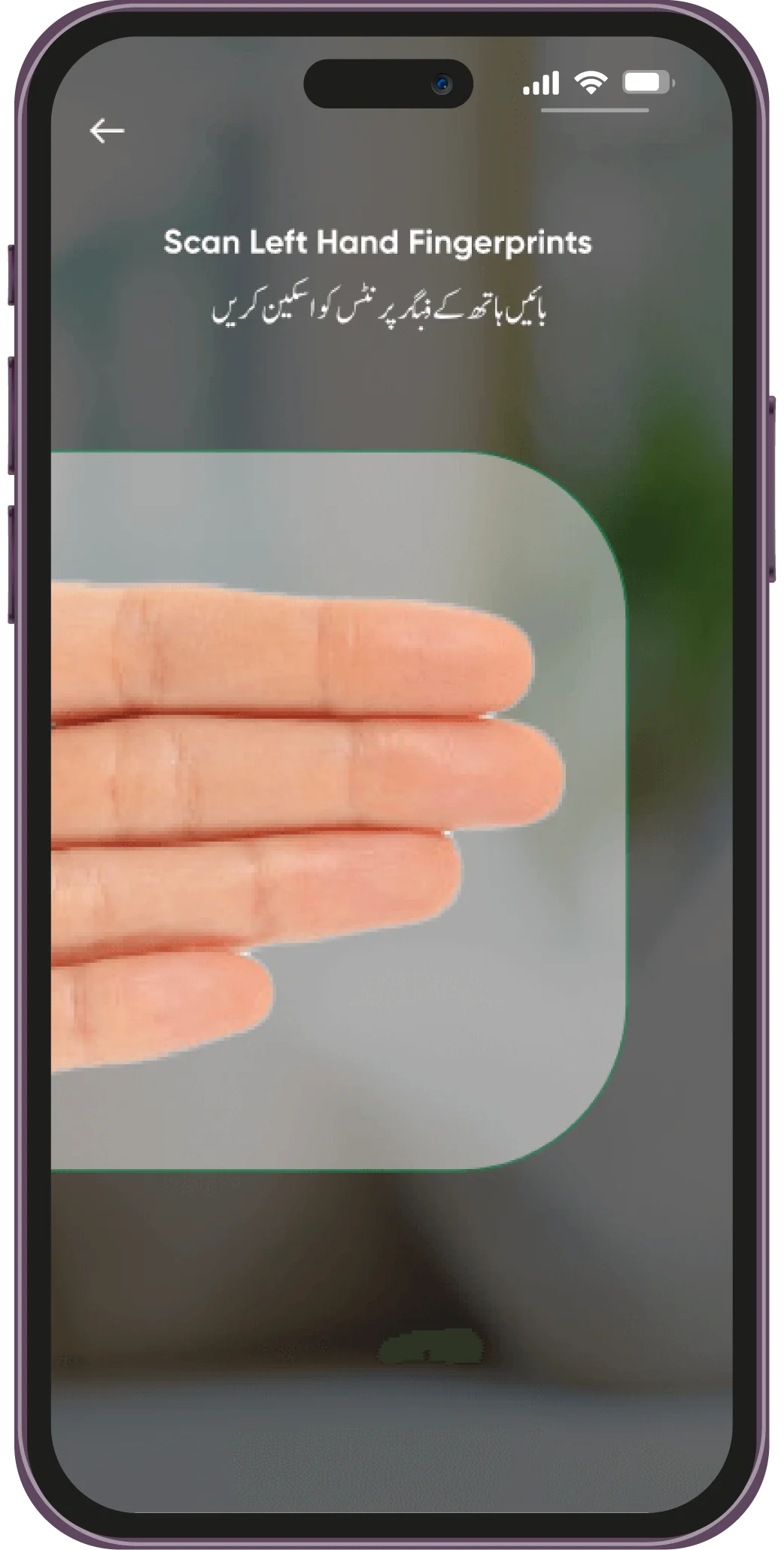
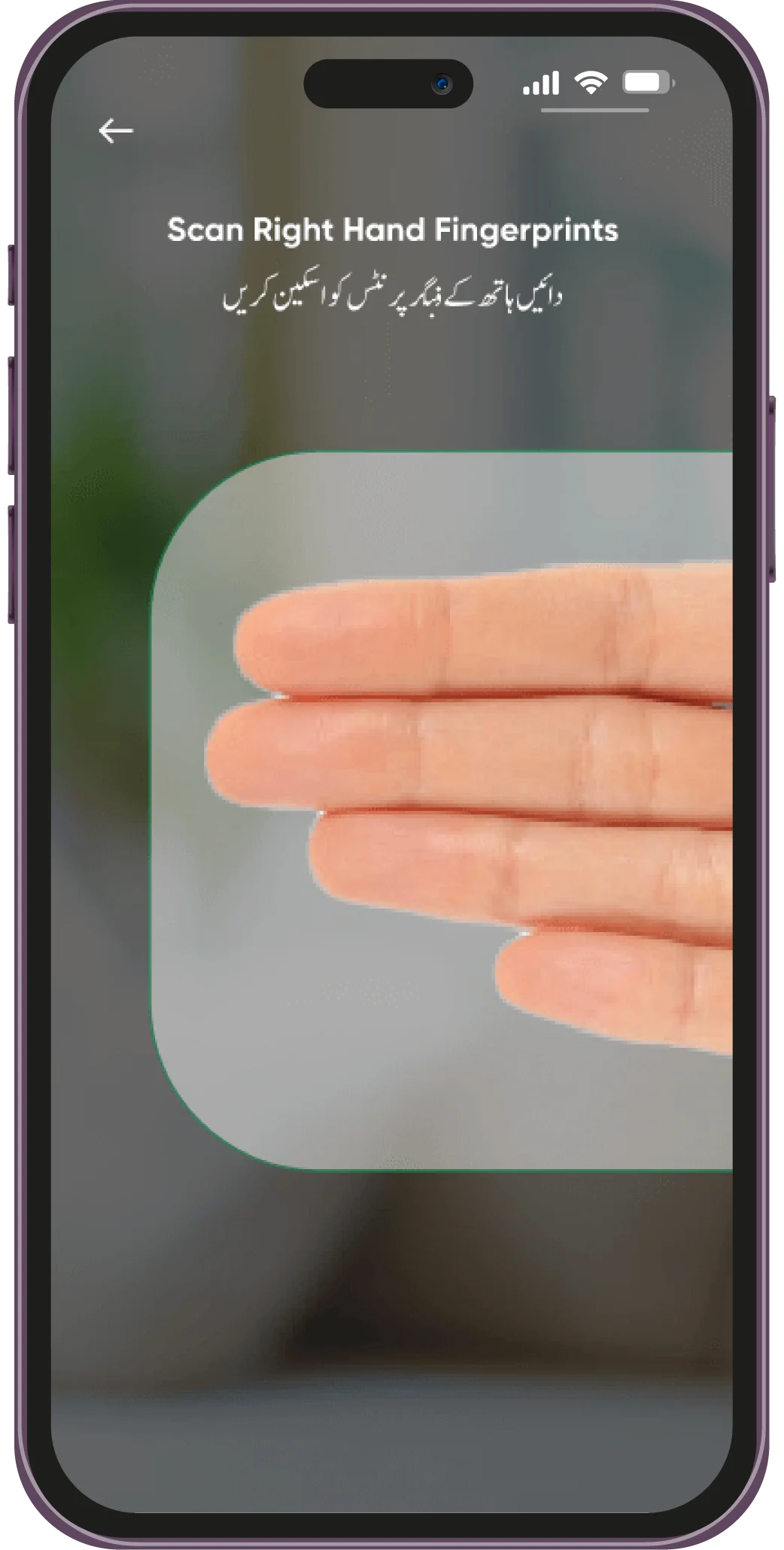
Capture your Fingerprints!
Turn on the rear camera of your smartphone
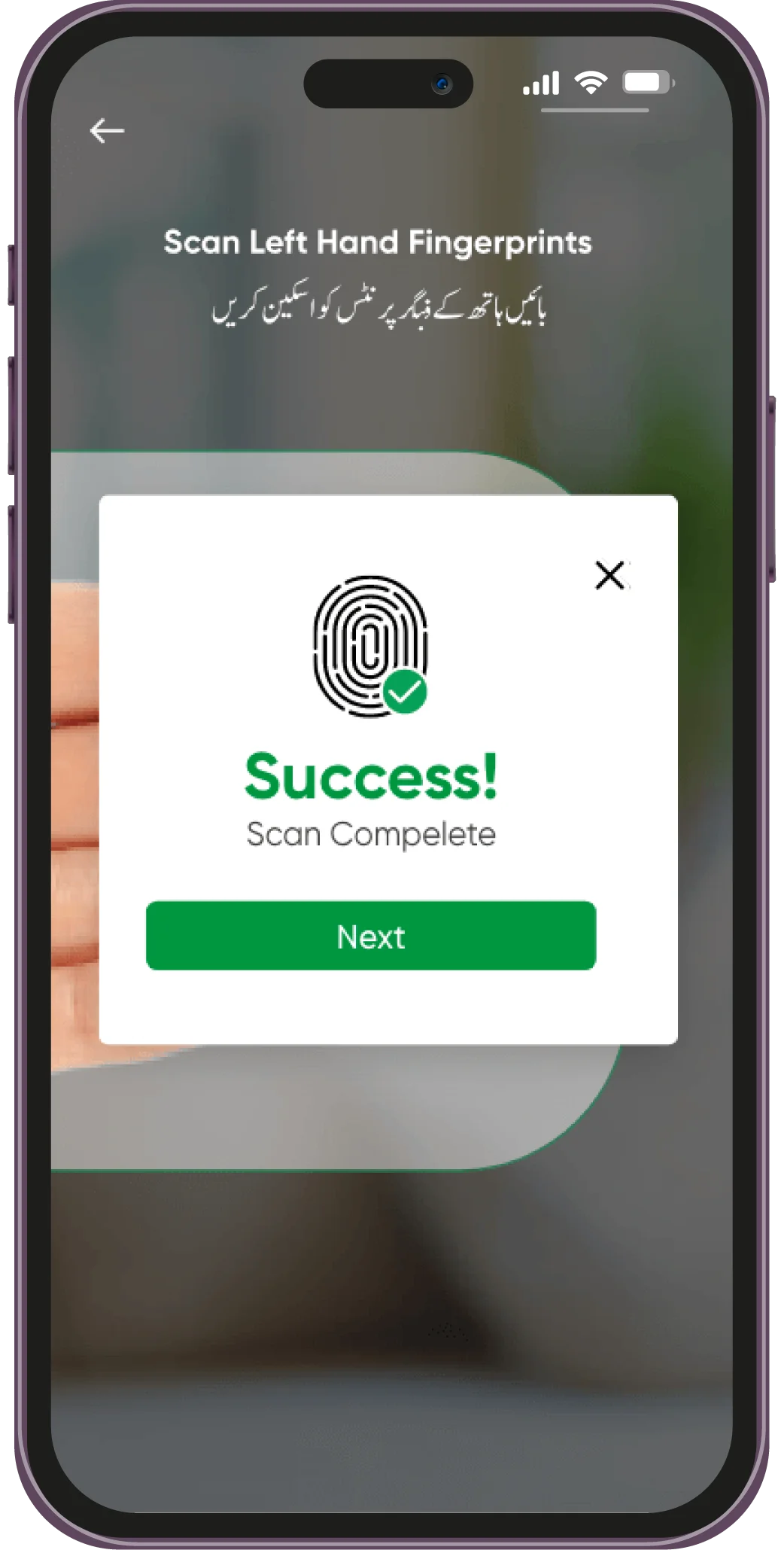
GUIDE TO USE AL HABIB BIOMETRIC VERIFICATION APP
Please Download The User Guide For AL Habib Biometric Verification App
 Download Now
Download AL Habib Biometric Verification Now!
Banking is now on your Fingertips!
Download the AL Habib Biometric Verification App to save time and complete your Account Opening Process in a few easy steps from anywhere, anytime.


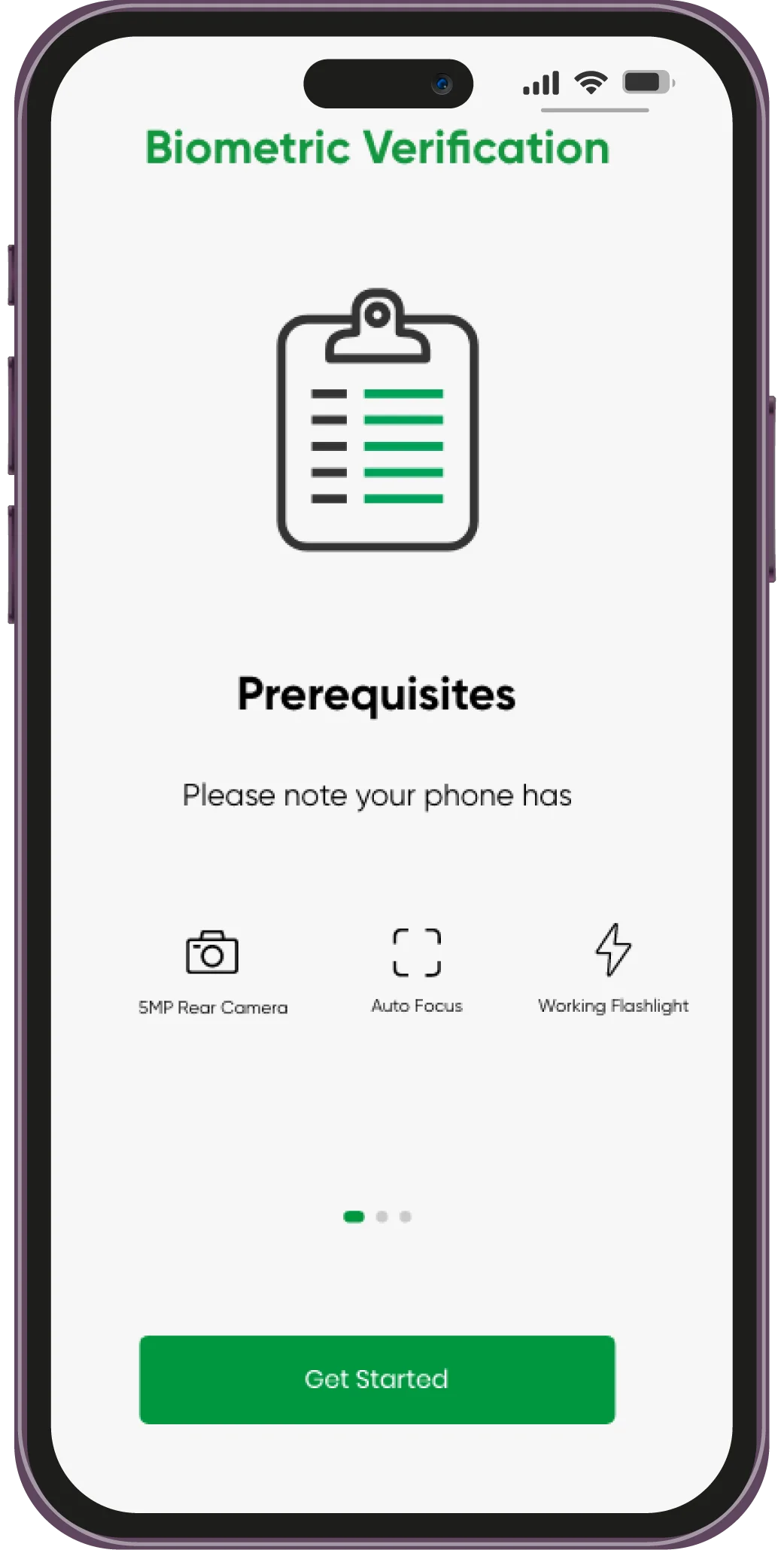
Any Android or iOS device having atleast a 5 mega pixel rear camera and flash.
Customers who want to use AL Habib Mobile App/Netbanking or those who have applied for any variant of AL Habib Digital Account can use this App to complete their biometric verification process.
Yes, you can use this App to complete the biometric verification process and remove the debit block from your account.
Here is the checklist to get you through the biometric verification process:
- Digital Account Number
- Registered Mobile Number
- Smartphone with at least 5-megapixel camera and flash
You may use it for updating:
- Verification of Digital Account
- Internet Banking Activation
- Updation of Expired CNIC
By downloading the AL Habib Biometric Verification App from the App Store or Play store.
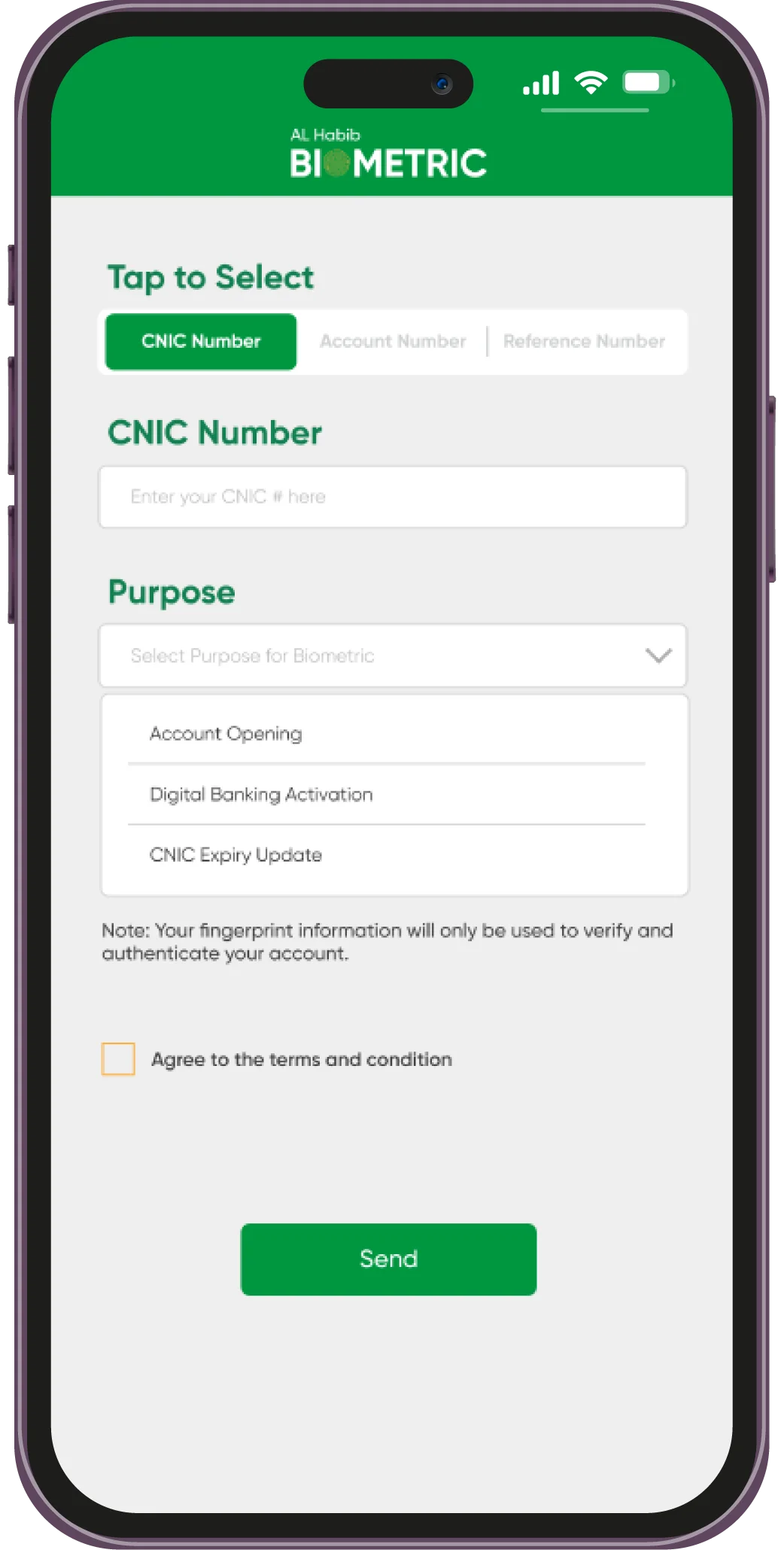
Download and Install the AL Habib Biometric Verification App from the Play Store or App Store, launch the AL Habib Biometric Verification App, Enter CNIC (Computerized National Identity Card), and select purpose “Digital Banking Activation” from the drop-down menu. Follow the instructions on the screen to perform biometric verification. After successful biometric verification, the app will confirm your digital activation.
No, please contact your parent branch or relationship manager.
To find your respective branch details or location follow the link below:
https://www.bankalhabib.com/locate-us